How to enrol
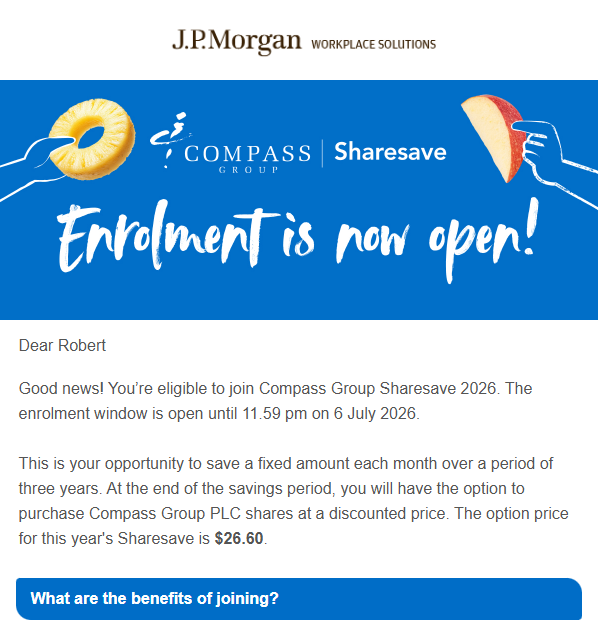
You can register today with J.P. Morgan Workplace Solutions, our registered Sharesave administrator. The enrolment window was open between 18th June and 7th July 2026.
1
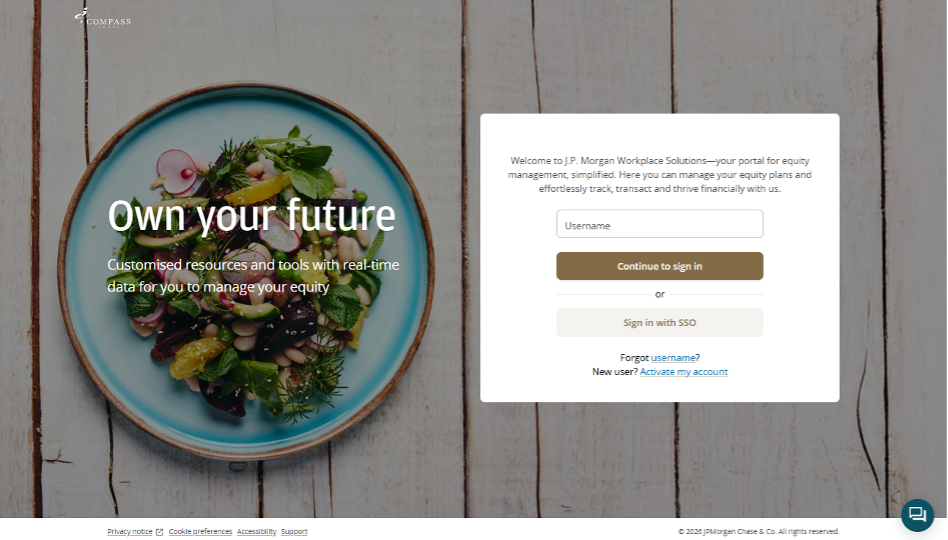
Sign in to your J.P. Morgan Workplace Solutions account
You will have received an email from J.P. Morgan Workplace Solutions (noreply@equityadmin.com) with instructions on how to activate your account. You can use a username and password to access your account via the sign in page. If you have not received your email, please check your spam or junk folder.
If it is not there, please contact the J.P. Morgan Workplace Solutions Service Desk by clicking here: J.P. Morgan Workplace Solutions Service Desk
2
Complete your onboarding
When you sign in for the first time, you will be guided through the onboarding process. You will need a government-issued identity card to complete the process, e.g. a passport or driving licence.
3
Enrol in Compass Group Sharesave
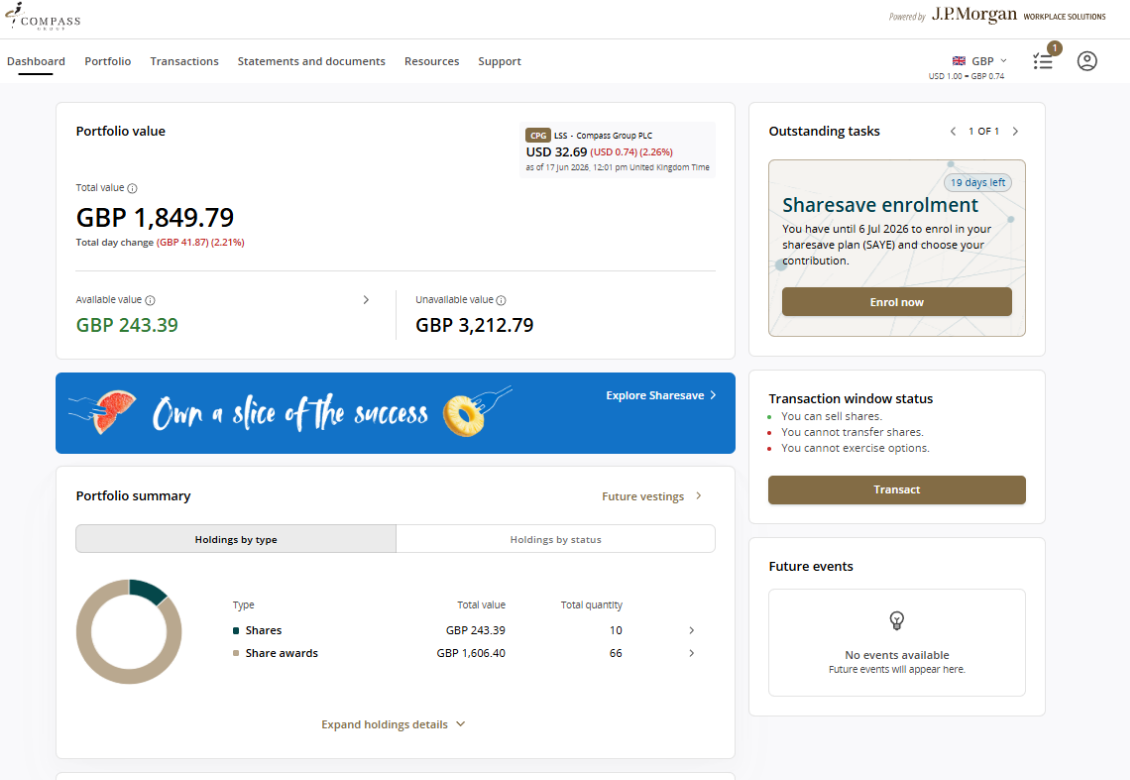
After you have completed the onboarding process, sign in to your J.P. Morgan Workplace Solutions account. From the Dashboard, click on the Enrolment task in the top right-hand corner of the screen. Follow the on-screen instructions. Once you have completed the task, you will receive an email confirmation of your enrolment.